
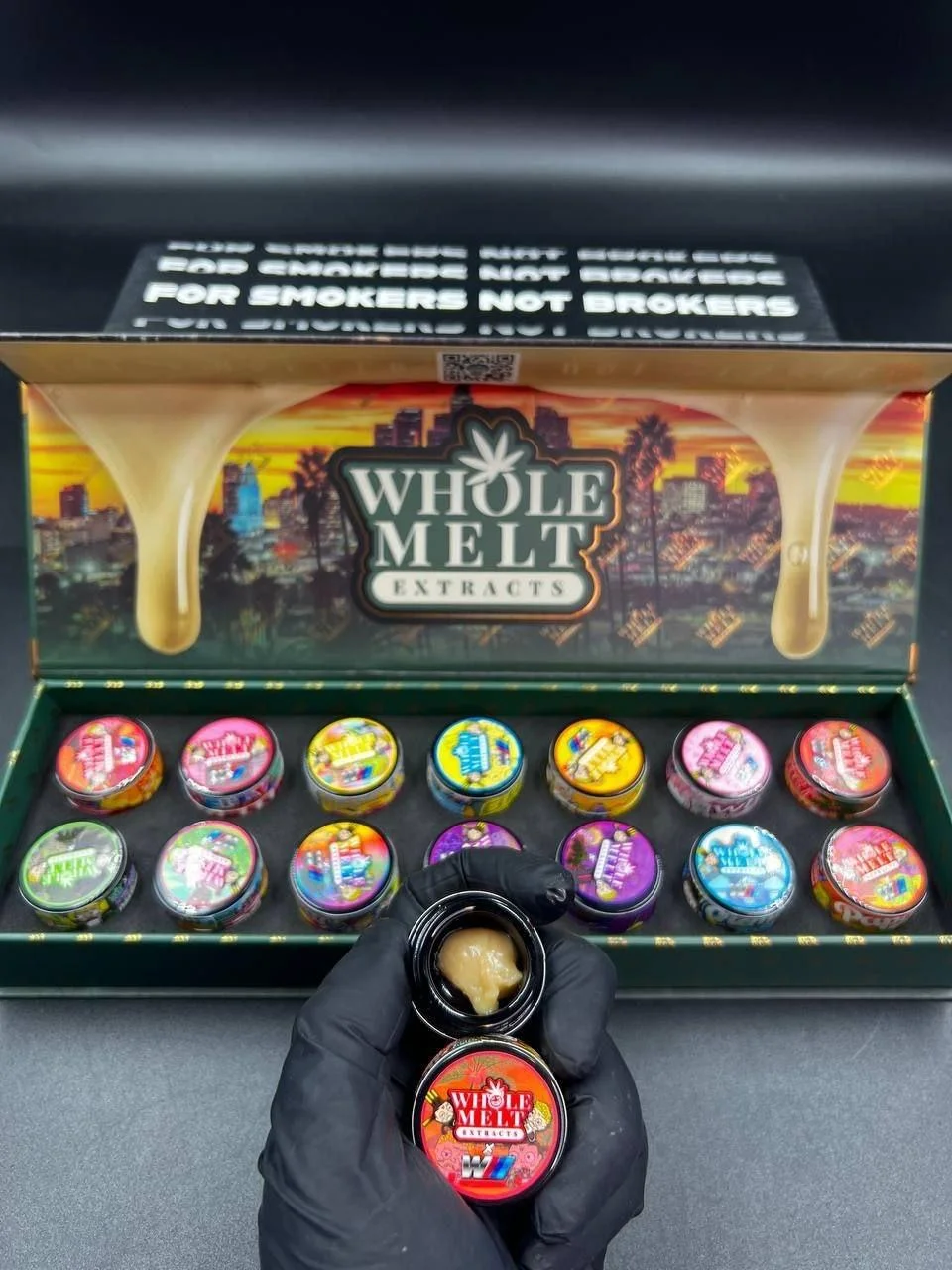
Completing your order with Bitcoin (BTC) at Wholemeltextractsshop.com is fast, secure, and private. Follow this step-by-step guide to finalize your purchase.
How to Complete Your Order Using Bitcoin (BTC)
-
Build Your Cart & Proceed to Checkout
-
Select your Whole Melt Extracts products (disposables, wax jars, or carts) and add them to your cart.
-
Go to the Checkout page and enter your accurate delivery details.
-
-
Select Cryptocurrency / Bitcoin as Your Payment Method
-
Under the payment options section at checkout, select Cryptocurrency / Bitcoin (BTC).
-
Click Place Order to generate your unique payment invoice.
-
-
Retrieve the Payment Details
-
On the order confirmation screen (and in your confirmation email), you will see:
-
Exact BTC Amount: The precise amount of Bitcoin to send (calculated based on live market rates).
-
Recipient BTC Wallet Address: A string of numbers and letters, or a scannable QR Code.
-
-
-
Send Bitcoin from Your Wallet
-
Open your crypto wallet or exchange app (e.g., Cash App, Coinbase, Trust Wallet, Exodus, or Binance).
-
Choose Send / Transfer Bitcoin.
-
Scan the payment QR code or copy and paste the recipient BTC address carefully.
-
Enter the exact BTC amount displayed on your invoice and confirm the transaction.
-
-
Submit Confirmation & Payment Proof
-
Once sent, take a screenshot of your transaction confirmation or copy the Transaction ID (TXID / Hash).
-
Reply to your order confirmation email at support@wholemeltextractsshop.com with your order number and transaction proof for rapid verification.
-
-
Order Processing & Shipping
-
Once the transaction gains blockchain confirmations, your order status updates to Processing.
-
You will receive a tracking link via email as soon as your package is dispatched in discreet packaging.
-
Important BTC Payment Tips
-
Network Fees: Ensure you account for minor network miner fees so the exact invoice amount reaches the receiving wallet.
-
Double-Check Wallet Address: Always copy-paste or scan the address to avoid typing errors.
-
Payment Window: Complete the transfer within 30–60 minutes of placing your order to lock in the real-time exchange rate.
Payment Guide: Cash App, Zelle & Venmo
At Wholemeltextractsshop.com, we offer fast, flexible, and convenient peer-to-peer (P2P) mobile payment options. Follow the step-by-step instructions below for your preferred payment app to complete your order.
Step 1: Place Your Order at Checkout
-
Add your desired Whole Melt Extracts products to your cart.
-
Proceed to Checkout and enter your complete shipping address.
-
Under Payment Options, select Mobile Transfer / Cash App / Zelle / Venmo.
-
Click Place Order to lock in your order and receive your Order Number.
Step 2: Send Payment via Your App
Option A: Cash App ($)
-
Open the Cash App on your mobile device.
-
Enter the exact dollar amount matching your total order value.
-
Tap Pay.
-
Enter our official Cash App $Cashtag (provided on your order confirmation screen and email).
-
In the “For” / Memo field, enter ONLY your Order Number (e.g.,
#10452). Do not mention product names, brand names, or cannabis terms. -
Tap Pay in the top right corner to complete the transfer.
Option B: Zelle ($)
-
Open your banking app or the standalone Zelle app.
-
Select Send Money with Zelle.
-
Enter our official Zelle email or phone number (provided on your order confirmation screen and email).
-
Enter the exact order total.
-
In the Reason / Note field, enter ONLY your Order Number (e.g.,
#10452). -
Confirm and send the transfer.
Option C: Venmo ($)
-
Open the Venmo app on your phone.
-
Tap Pay / Request.
-
Search for our official Venmo handle
@Wholemelts...(provided on your order confirmation screen and email). -
Enter the exact dollar amount.
-
In the What’s it for? / Note field, enter ONLY your Order Number (e.g.,
#10452). -
Select Pay to complete the payment.
Step 3: Payment Verification & Order Dispatch
-
Take a Screenshot: Once your payment is sent, take a quick screenshot of the transaction confirmation screen showing the amount, date, and handle/email used.
-
Submit Payment Proof: Reply directly to your order confirmation email at sales@wholemeltextractsshop.com with your Order Number and attached screenshot.
-
Order Processing: Once verified by our support team (usually within 15–30 minutes during business hours), your order status will update to Processing, and you will receive a tracking link as soon as your package is dispatched in discreet packaging.
Important Payment Guidelines
-
Keep Notes Brief: Always leave the note/memo field limited strictly to your Order Number. Avoid using words like “wax”, “carts”, “extracts”, or “weed” to ensure instant payment clearance.
-
Match Order Total: Ensure the exact invoice amount is sent to avoid processing delays.